

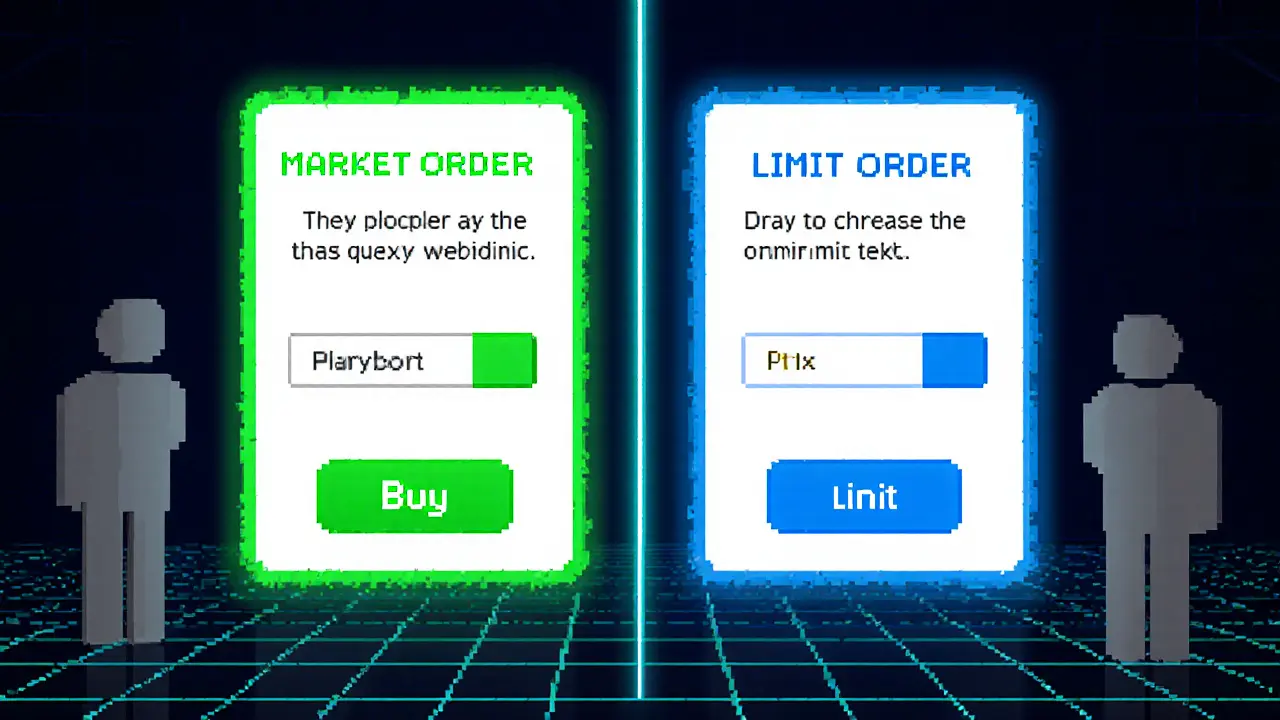
Market vs Limit Order Simulator
Market Order
Executes immediately at best available price. Guarantees execution but gives up price certainty.
Limit Order
Only executes at specified price or better. Gives price control but may never fill.
Trade Execution Summary
Click "Execute Trade" to see detailed results based on your selections.
Ever wondered why a trade sometimes fills in a split second while other times it sits idle in the order book? The answer lies in the difference between market orders vs limit orders and how they interact with the order book a real‑time list of buy and sell offers for a security.
Market Order an instruction to buy or sell immediately at the best available price prioritises speed. When you click “buy” at market price, the system matches your request against the best ask price the lowest price a seller is willing to accept for a buy, or the best bid price the highest price a buyer is willing to pay for a sell, and the trade happens instantly.
Limit Order an order that only executes at a specified price or better gives you price control. A buy limit sits below the current ask; a sell limit sits above the current bid. If the market never reaches your price, the order remains unfilled.
Liquidity the ability of the market to absorb trades without large price changes determines how much slippage you might see.
Slippage the gap between the expected price and the actual execution price is a common risk with market orders, especially in thinly traded assets.
Maker Rebate a credit exchanges give to traders who add liquidity by posting limit orders can offset some transaction costs for frequent limit order users.
Quick Takeaways
- Market orders guarantee execution but give up price certainty.
- Limit orders protect price but may never fill.
- Liquidity and volatility dictate which order type is safer.
- Understanding the order book mechanics helps you avoid unwanted slippage.
- Mixing both types strategically can improve overall trade performance.
How Market Orders Consume the Order Book
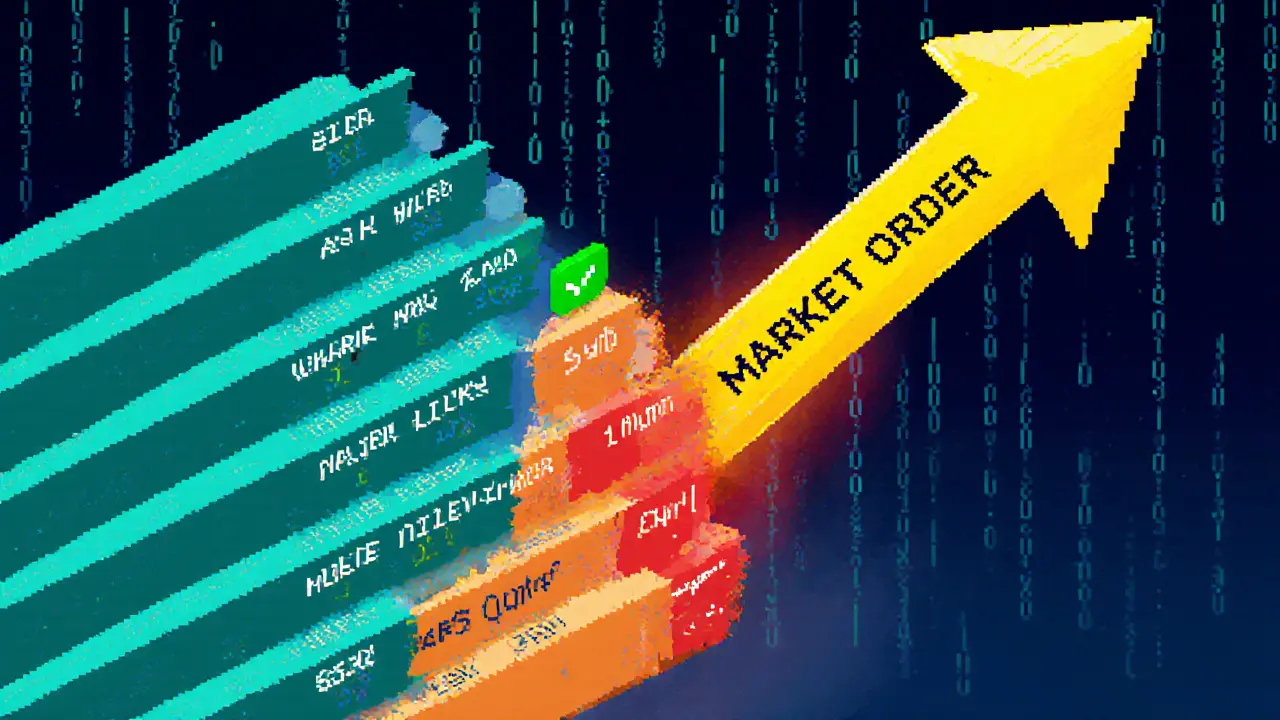
When a market order arrives, the matching engine scans the best limit orders on the opposite side of the book. Each matched limit order is removed-this is called “taking” liquidity. If your buy market order needs 1,000 shares but the best ask only covers 300, the engine moves down the ladder, filling the remaining 700 at progressively higher ask prices. The final average price is a weighted blend of those levels, and the difference from the last‑quoted price is the slippage.
Because market orders are executed against existing offers, they are usually filled within milliseconds in modern electronic markets. High‑frequency traders exploit this speed, but the rapid consumption of liquidity can temporarily widen the spread, especially in volatile moments.
How Limit Orders Populate the Order Book
A limit order sits in the book until a matching market order or another limit order on the opposite side meets its price. By posting at a specific level, you become a “maker” of liquidity. Your order may sit for seconds, minutes, or the entire trading day, depending on price proximity and market activity.
When a maker order is eventually hit, the counter‑party “takes” the liquidity. Exchanges often reward makers with a rebate (the maker rebate mentioned earlier), encouraging a deep book that narrows spreads for everyone.
Decision Framework: When to Use Each Order Type
Think of the choice as a trade‑off between execution certainty and price control. Below is a quick matrix that helps you decide based on two common variables: market liquidity and urgency.
| Attribute | Market Order | Limit Order |
|---|---|---|
| Execution Speed | Immediate (milliseconds) | Depends on price movement |
| Price Control | None - accepts best available | Exact price or better |
| Slippage Risk | Higher, especially in low‑liquidity markets | Low - but may never fill |
| Liquidity Impact | Takes liquidity, may widen spread | Adds liquidity, may earn rebate |
| Typical Use Cases | Urgent exits, high‑volume stocks, market‑on‑close | Targeted entry/exit points, thinly traded assets, profit‑taking thresholds |
Real‑World Examples
Example 1 - High‑Liquidity Stock: Apple (AAPL) trades millions of shares per minute with a sub‑$0.01 bid‑ask spread. Placing a market buy for 200 shares will likely fill at $174.32‑$174.33 with negligible slippage. A limit buy at $174.00 could sit idle for hours because the price rarely dips that low.
Example 2 - Low‑Liquidity Crypto Pair: Consider the BTC/USDT pair on a smaller exchange where the best ask is $62,300 and the next level is $62,500. A market buy for 5 BTC will eat both levels, averaging $62,400 and leaving you $200 worse off than the quoted price-clear slippage. A limit buy at $62,250 protects you, but you might only fill 1BTC when the price briefly dips.
Example 3 - After‑Hours Trading: The S&P500 index futures close at 4:00PM EST. A market order placed at 4:15PM will execute at the opening price of the next session, which could be several points away-a classic after‑hours gap risk. A limit order set at the previous close price can guard against that gap, though it may sit unfilled until the market reopens.
Common Pitfalls & Pro Tips
- Pitfall: Using market orders in thin markets and getting a terrible fill.
Tip: Check the order book depth first; if the top three levels only hold a fraction of your size, switch to a limit order. - Pitfall: Setting limit prices too far from the current market, leading to no execution.
Tip: Use technical support/resistance or a percentage of recent volatility (e.g., 1‑2× average true range) to gauge realistic limits. - Pitfall: Forgetting order expiration-limit orders can linger and tie up capital.
Tip: Choose “day” or “good‑til‑canceled” intentionally, and review open orders daily. - Pitfall: Ignoring maker‑taker fee structures.
Tip: On exchanges that rebate makers, you can offset commission costs by posting passive limit orders. - Pitfall: Relying on market orders during volatile news spikes.
Tip: Consider “market‑if‑touched” or a small limit spread to avoid extreme slippage.
High‑Frequency Trading algorithmic strategies that execute thousands of trades in fractions of a second can compress spreads but also amplify slippage for large market orders during flash events.
Hybrid Strategies - Getting the Best of Both Worlds
Many platforms now offer order types that blend immediacy with price protection. A “market‑if‑touched” (MIT) order sits as a limit but becomes a market order once the price reaches a trigger. A “stop‑limit” order protects against large moves while still specifying a price ceiling. Using these tools lets you stay in control during fast markets without sacrificing execution certainty.
Quick Checklist Before You Hit “Send”
- Assess liquidity: Look at the depth of the order book for the size you want.
- Define urgency: Do you need to be in/out now or can you wait for a better price?
- Set realistic limits: Use recent volatility or support/resistance levels.
- Choose duration: Day vs GTC vs specific expiration.
- Mind fees: Check maker‑taker schedule; factor rebates into cost.
- Monitor after‑hours risk: Gaps can turn a market order into an expensive surprise.
Frequently Asked Questions
Can a market order guarantee the exact price I see on the screen?
No. A market order accepts the best available price at the moment the order hits the exchange. In fast markets the quoted price can shift by a few cents or even dollars before the trade is executed, which is called slippage.
What happens to a limit order that never gets filled?
It stays open until it expires, you cancel it, or the broker’s system automatically removes it at the end of the trading day (for “day” orders). While pending, the funds are held, which can affect buying power.
Do limit orders always get a maker rebate?
Only if the order adds new liquidity and is not immediately matched. If a limit order sits on the book and later gets filled, the exchange credits the maker rebate. If it’s filled instantly because another order already existed at that price, it’s considered a taker trade and no rebate is earned.
When should I prefer a limit order over a market order?
Use a limit order when price matters more than speed-such as setting a profit‑target, buying at a support level, or trading thinly‑liquid assets. Choose a market order when you need to exit fast, the asset is highly liquid, or you’re executing a large order that must be filled immediately.
How does high‑frequency trading affect my market order?
HFT firms compete to be the fastest takers, which can narrow spreads but also cause rapid price swings. In volatile moments, a market order may be filled across several price levels before you see the final execution price, increasing slippage.
Nilesh Parghi
January 9, 2025 AT 18:25When you think about market orders, imagine a river flowing straight to the sea, indifferent to the exact coordinate where it meets the shore. A limit order, on the other hand, is like a dam you build, waiting for the water to rise to the level you set. Both have their poetry, but the market cares about speed while the limit cares about price. In practice, traders choose the tool that matches their patience and ambition.
C Brown
January 12, 2025 AT 14:25Oh great, another tutorial teaching us the difference between "instant" and "maybe‑later" trades. As if the markets needed a reminder that a market order will gobble up whatever's on the other side of the book. And a limit order? Just a fancy way to say "I hope I’m not the one who gets left holding the bag."
Ron Hunsberger
January 15, 2025 AT 10:25For anyone new to the concept, a market order guarantees execution because it takes the best available price at the moment you submit it. A limit order gives you price control, but you risk the order never filling if the market never reaches your price level. It’s a trade‑off between certainty and precision, and the choice depends on your strategy and risk tolerance.
Lana Idalia
January 18, 2025 AT 06:25Picture the market order as a reckless teenager sprinting into the night, daring fate to decide the exact price. The limit order, meanwhile, is the philosopher sipping tea, waiting for the universe to align with its meticulously set expectation. Both are valid paths, yet each reflects a different temperament toward uncertainty and control.
Latoya Jackman
January 21, 2025 AT 02:25Both order types serve distinct purposes, so pick the one that aligns with your intended outcome.
karyn brown
January 23, 2025 AT 22:25yeah, sooo i kinda feel like limit orders are like waiting for a bus that might never come 😂 but when it does, you got a seat! market orders just jump on the first bus, even if it's crowded 😅
Megan King
January 26, 2025 AT 18:25Think of market orders as the sprint in a race – you get moving instantly, while limit orders are the strategic jog, pacing yourself for the perfect moment. Use the sprint when you need to be in the game now, and the jog when the price is your priority.
Rachel Kasdin
January 29, 2025 AT 14:25LISTEN UP! IF YOU WANT TO PLAY IT SAFE, SET THAT LIMIT PRICE HIGH AND SHOW THE WORLD YOU'RE NOT GONNA SELL ANYWHERE BELOW! MARKET ORDERS ARE FOR THE WEAK‑HEARTED WHO CAN'T WAIT!
karsten wall
February 1, 2025 AT 10:25From a microstructure perspective, market orders consume liquidity, causing an immediate shift in the order book’s depth. Limit orders, conversely, provide liquidity, reinforcing the bid‑ask spread and potentially improving market efficiency. Understanding this dichotomy is essential for anyone designing execution algorithms.
Keith Cotterill
February 4, 2025 AT 06:25Ah, indeed!!!; One must recognize that the elegant dance between supply‑side consumption and demand‑side provision is not merely a binary; it is a symphony of price discovery, order flow, and strategic depth-truly a marvel of modern finance!!!
Noel Lees
February 7, 2025 AT 02:25Market orders are great when you need to be sure the trade happens, especially in fast‑moving markets. Limit orders shine when you’ve got a target price and can afford to wait. Balance them depending on your risk appetite and the asset’s volatility.
Deepak Chauhan
February 9, 2025 AT 22:25Indeed, the dichotomy is both simple and profound. While market orders guarantee execution, they may also expose you to slippage. Limit orders counteract slippage but risk non‑execution. In formal terms, this reflects a trade‑off between certainty and price control. 🙂
Henry Mitchell IV
February 12, 2025 AT 18:25Just a heads‑up: if you keep shouting about limit orders without checking actual order‑book depth, you might end up watching a phantom fill. 😉
Kamva Ndamase
February 15, 2025 AT 14:25Wow! This breakdown really cracks open the black box of order execution. I love seeing the mechanics of liquidity in action-makes me feel like I’m part of the market’s pulse.
bhavin thakkar
February 18, 2025 AT 10:25Imagine, if you will, the market order as a daring explorer charging headfirst into the wilderness, sword drawn, demanding the terrain yield its secrets at once. The explorer cares not for the subtle nuances of the terrain; he only cares that he reaches the summit, even if the path is treacherous. Conversely, the limit order resembles a meticulous cartographer, who marks his desired coordinates on an ancient map and waits for the stars to align before committing his journey. He is patient, waiting for the perfect moment when the wind whispers the exact price he seeks. This patient patience can be both a blessing and a curse: the market may surge past his chosen point, leaving him standing on the sidelines, empty‑handed. Yet, when the moment arrives, it feels as if the universe itself conspired to honor his precision, granting an execution at a price no mere market order could have secured. In the grand theater of finance, these two actors play opposing roles: one impulsive, one deliberate, yet both essential to the drama of price discovery. The market order is the thunderclap that shakes the stage, while the limit order is the quiet note that lingers in the audience’s memory. Traders, like directors, must decide which instrument to conduct at any given scene, balancing urgency against control. Moreover, the depth of the order book adds another layer of intrigue-liquidity depth can swallow a market order whole, or it can sustain a limit order’s waiting game with resilience. Spread, too, is a silent character, influencing the cost of each decision. When the spread widens, the market order may suffer, but the limit order may find a sweeter entry point. When the spread narrows, the market order dances more gracefully, and the limit order may need to adjust its expectations. Thus, the interplay of market orders, limit orders, depth, and spread creates a dynamic, ever‑evolving tapestry that challenges even seasoned veterans. Each decision shapes not only the trader’s fate but also the collective rhythm of the market itself. So, whether you brandish the sword or hold the map, remember that your choice writes a line in the ongoing saga of global finance.
Thiago Rafael
February 21, 2025 AT 06:25In response to the previous observation, I must underscore that the rigor of a limit order lies in its precise specification of price thresholds, thereby providing a disciplined framework for execution. When one neglects this discipline, the outcome resembles a chaotic scramble rather than a strategic maneuver.
Marie Salcedo
February 24, 2025 AT 02:25Great overview! If you’re just starting out, try a small market order to get a feel for execution speed, then experiment with limit orders to see how pricing works for you.
dennis shiner
February 26, 2025 AT 22:25Market orders are the fast‑food of trading.
Darius Needham
March 1, 2025 AT 18:25Curious about how the order‑book depth impacts slippage for market orders versus the fill probability for limit orders? Understanding that relationship can really sharpen your execution strategy.